Connect a Yandex account through OAuth or add a token manually, choose an application, and open a clear summary of users, activity, and devices.
OAuth and tokens
Connect a Yandex account through OAuth or add an authorized access token manually.
Applications and periods
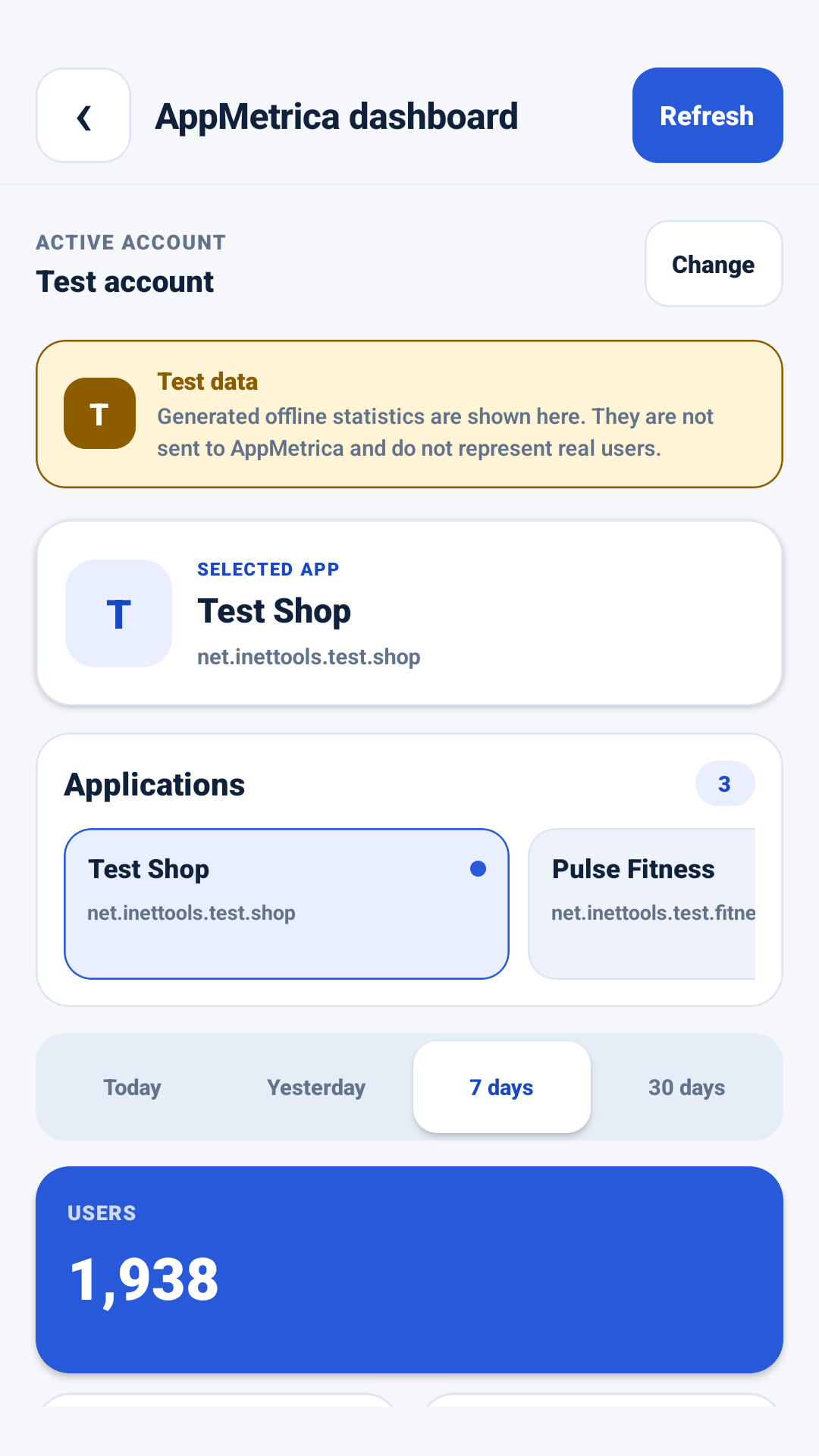
Switch between available applications and review today, yesterday, 7-day, or 30-day data.
Clear summary
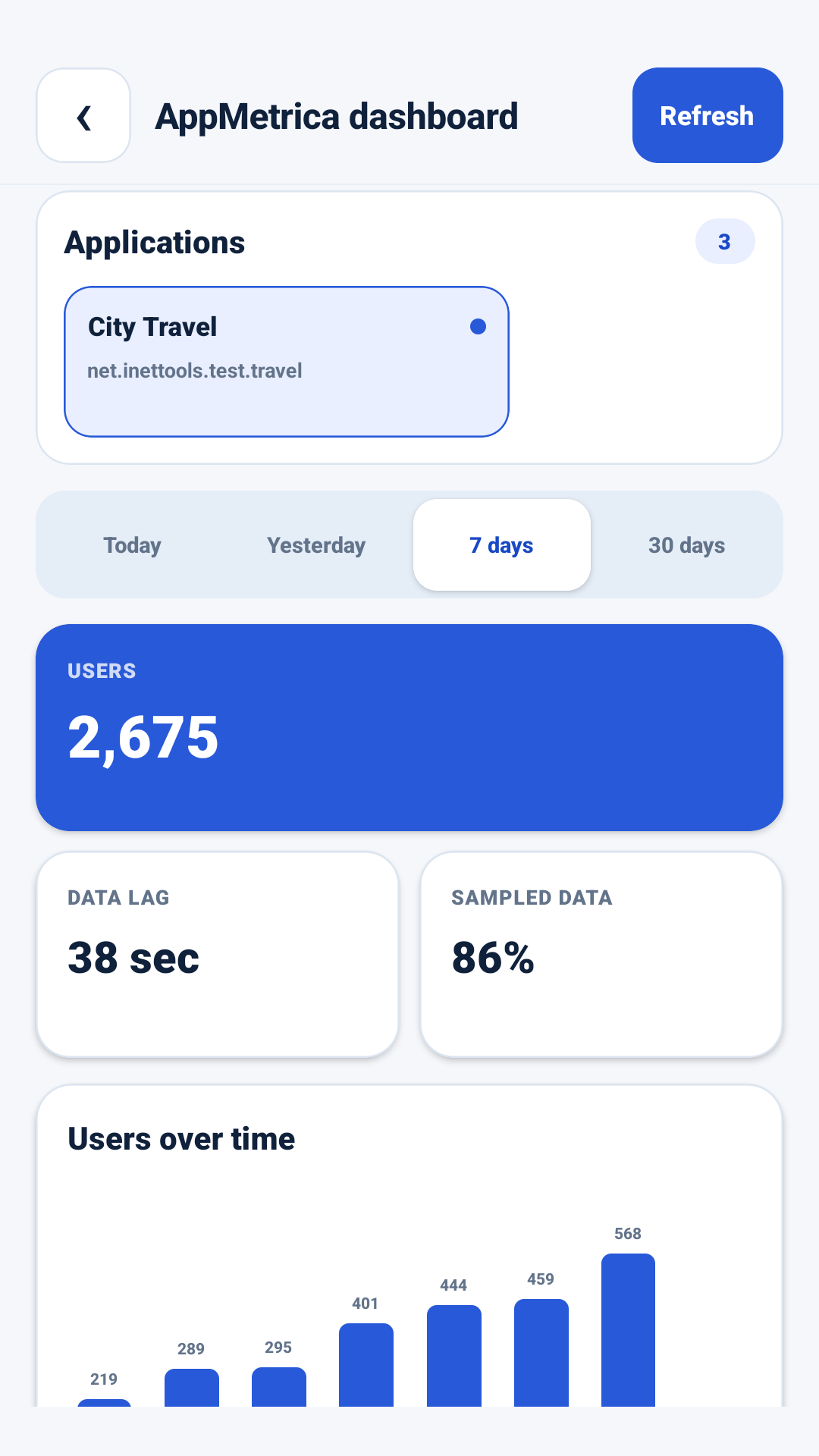
Review user totals, the activity timeline, and leading device models.
Multiple accounts
Keep several accounts locally and switch between them quickly.
Interface
App screenshots
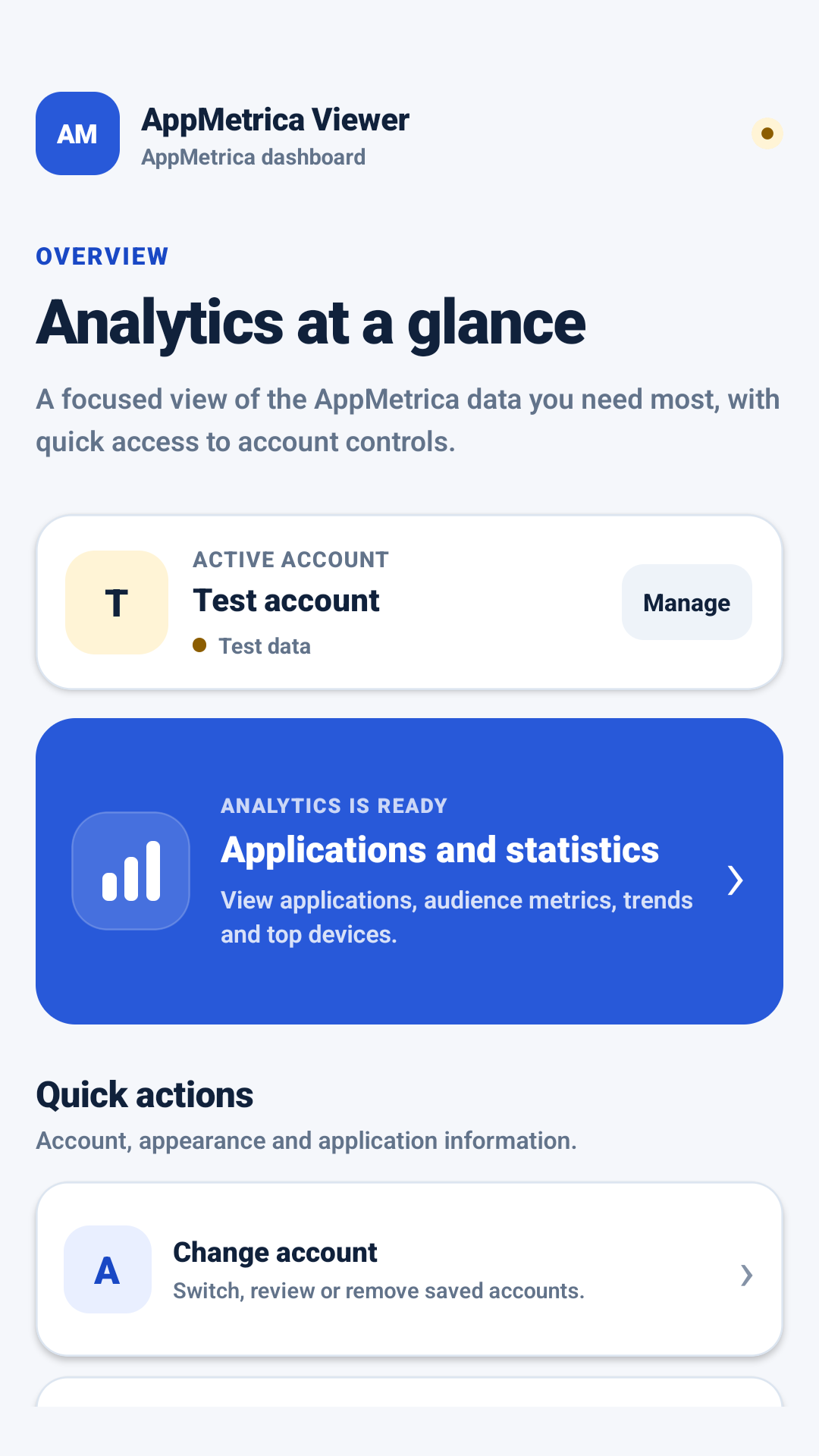
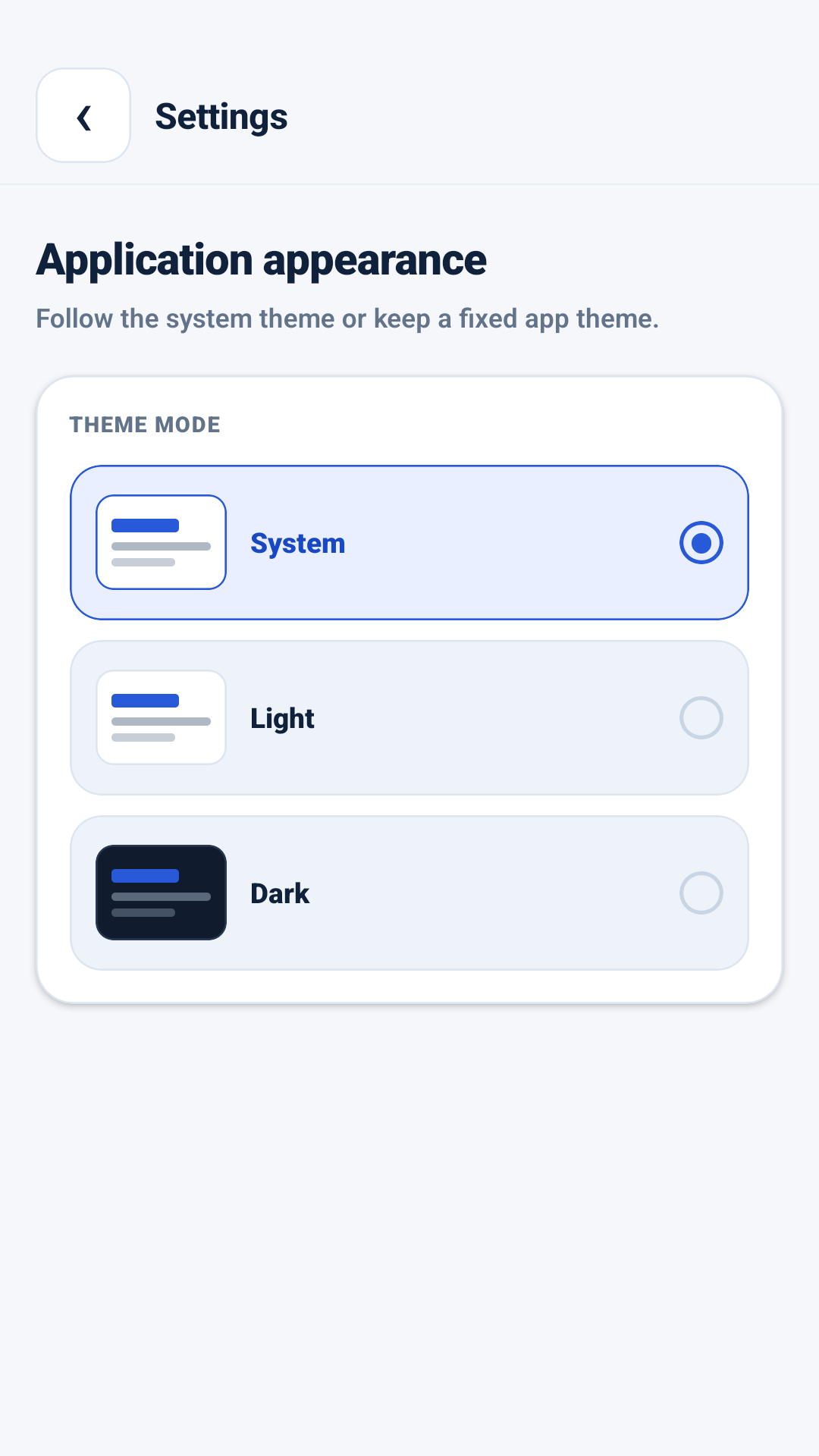
Core screens cover the connected account, application summary, reporting periods, and theme settings.
Account and applicationsApplication summaryAnalyticsSettings
Important
Independent InetTools client
AppMetrica Viewer is not an official Yandex application. A Yandex account with access to the relevant AppMetrica applications is required to view real statistics.
How data is handled
Tokens and settings are stored locally on the device. To load applications and reports, the client sends authenticated requests to the official AppMetrica APIs.