
Chrome and Firefox extension
Inettools — Favorites
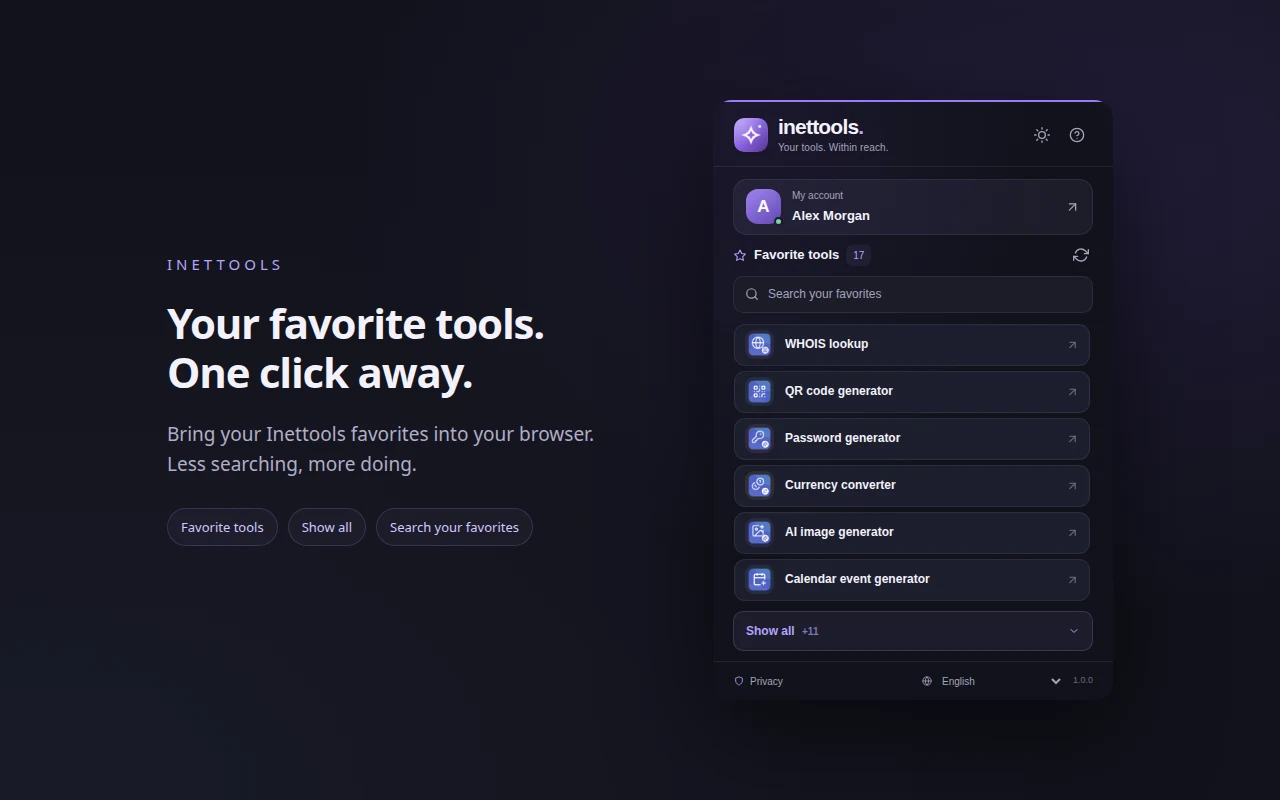
Your favorite Inettools tools in the browser toolbar. Sign in, search your full collection and open any service in a new tab.
See the extension
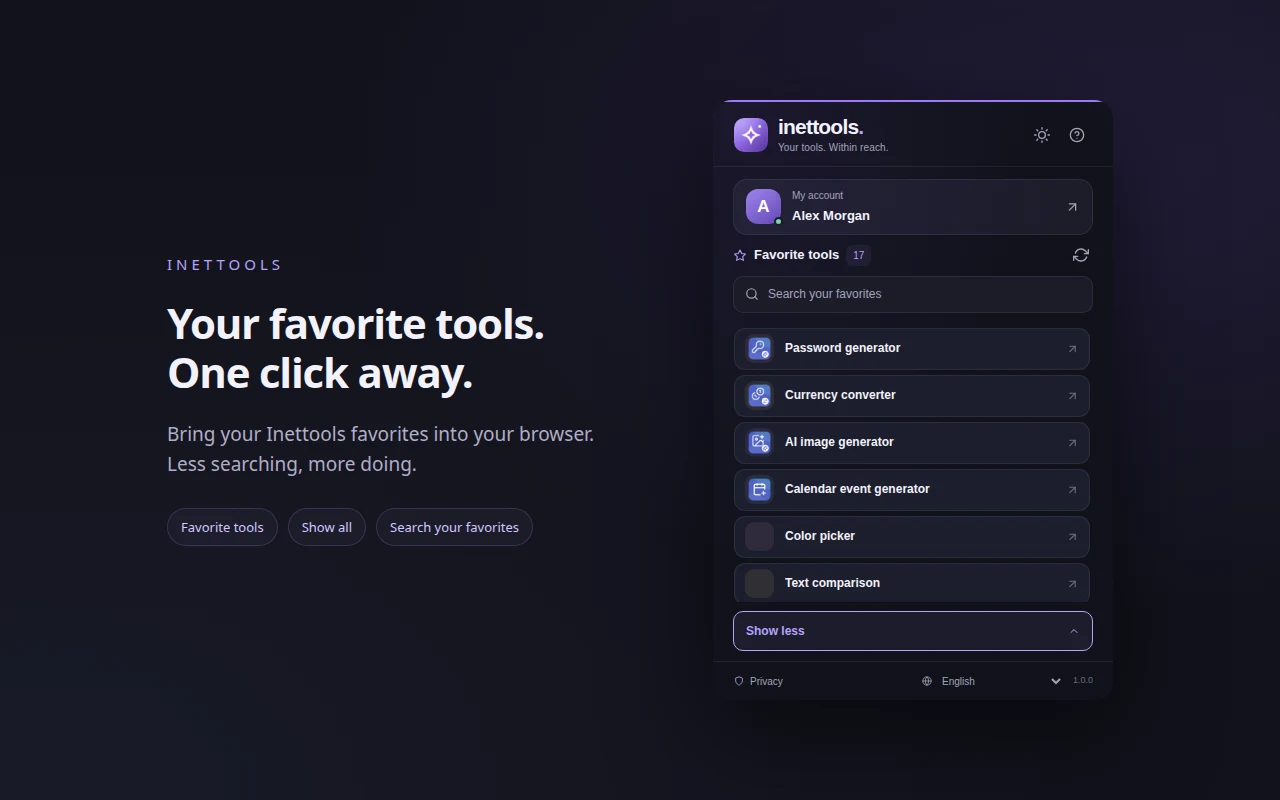
A compact toolbar panel
Screenshots use fictional example data in an isolated demonstration profile.
Quick access
Your tools, ready from the toolbar
Install the extension, choose your account language and sign in through the separate Inettools window. Reopen the extension after signing in. The first six favorites appear immediately; expand the list or search the entire collection.
Search every favorite
Search includes the entire collection, even when only the first six tools are shown.
Expand when you need more
Show all opens the complete scrollable list; each tool opens in a new tab.
Choose your language and theme
64 interface languages, right-to-left layouts, light and dark themes.
Your data
Your account stays on Inettools
Passwords are entered only on the website. The extension reads your account on the selected Inettools language site and loads its images. It does not store your password, profile or favorites; only language and theme settings are saved locally. No extension analytics or advertising.
Keep your favorites at hand
Install for your desktop browser, pin the extension and open your favorite tools from its panel.
Extension ID: edhkechjochhdoneaeejohbnejbojjgn