Guide updated:
Convert mistyped keyboard characters without retyping the whole passage.
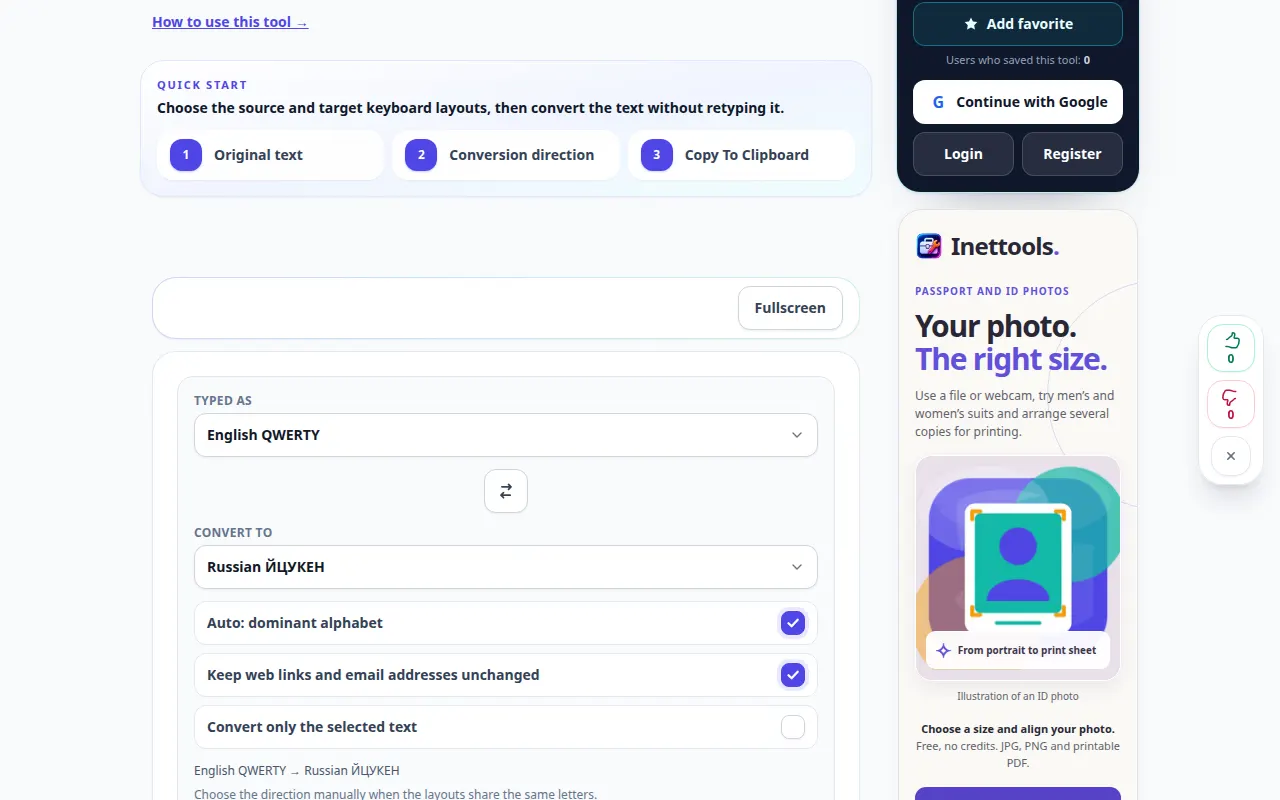
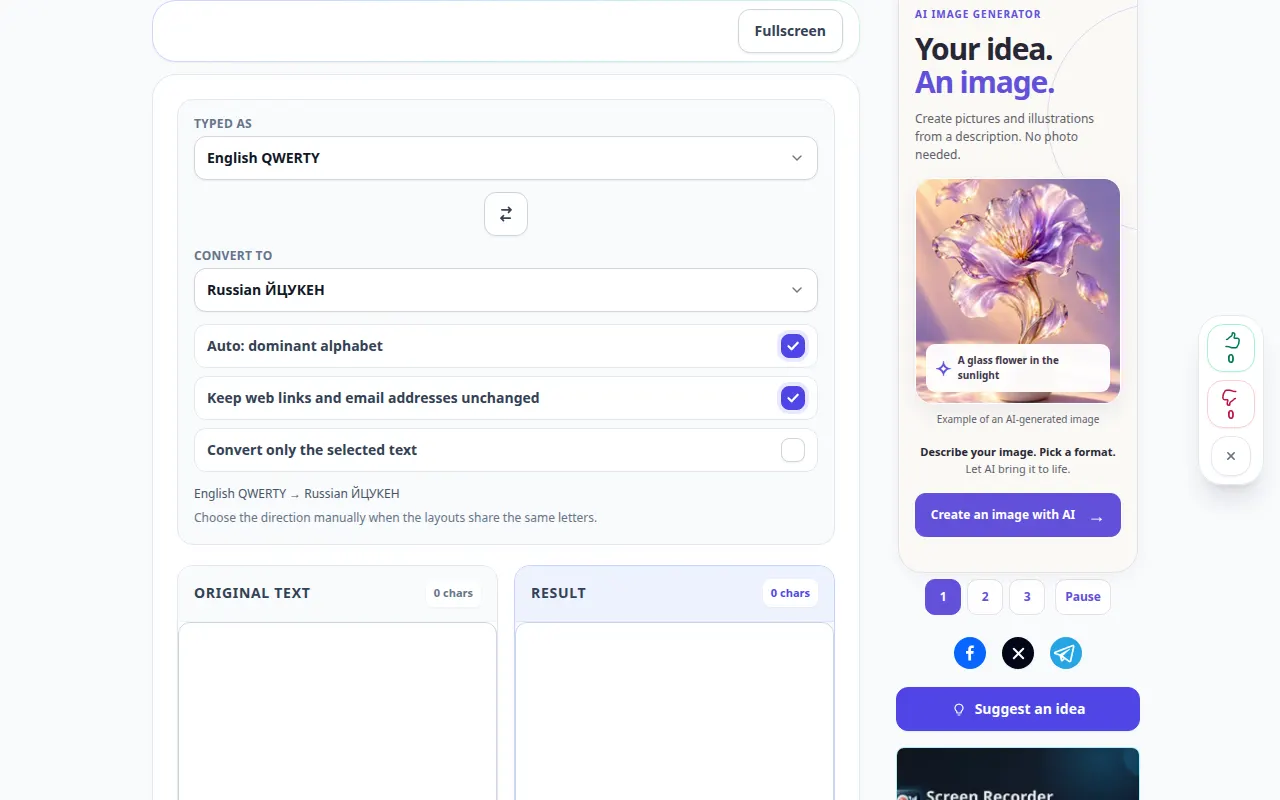
Open this guide using the “How to use this tool” link below the tool name. It includes steps, screenshots and videos for computers and phones.
Before you start
Keep a copy of the original text. Layout correction is a character mapping, not a language translation.
Step-by-step instructions
- Paste the text typed with the wrong keyboard layout.
- Choose the conversion direction offered by the tool, or use its supported automatic mode.
- The result updates as you type or change the selected layout. Read the converted passage before copying it.
- Check names, links, passwords and deliberately mixed-language fragments separately.
- Copy the corrected result and paste it into the intended document or message.
On a computer
Paste the affected passage and compare both text areas before copying the result.
On a phone
Use the keyboard selection handles to copy only the mistaken passage, then paste the corrected text back into the original app.
In Safari on iPhone, open the sharing menu and choose Save to Files if the result opens in a new tab. In Android Chrome, check Downloads. Keep this tab open until processing finishes.
For a better result
Correct only the affected fragment when a passage deliberately mixes languages.
Screenshots and video
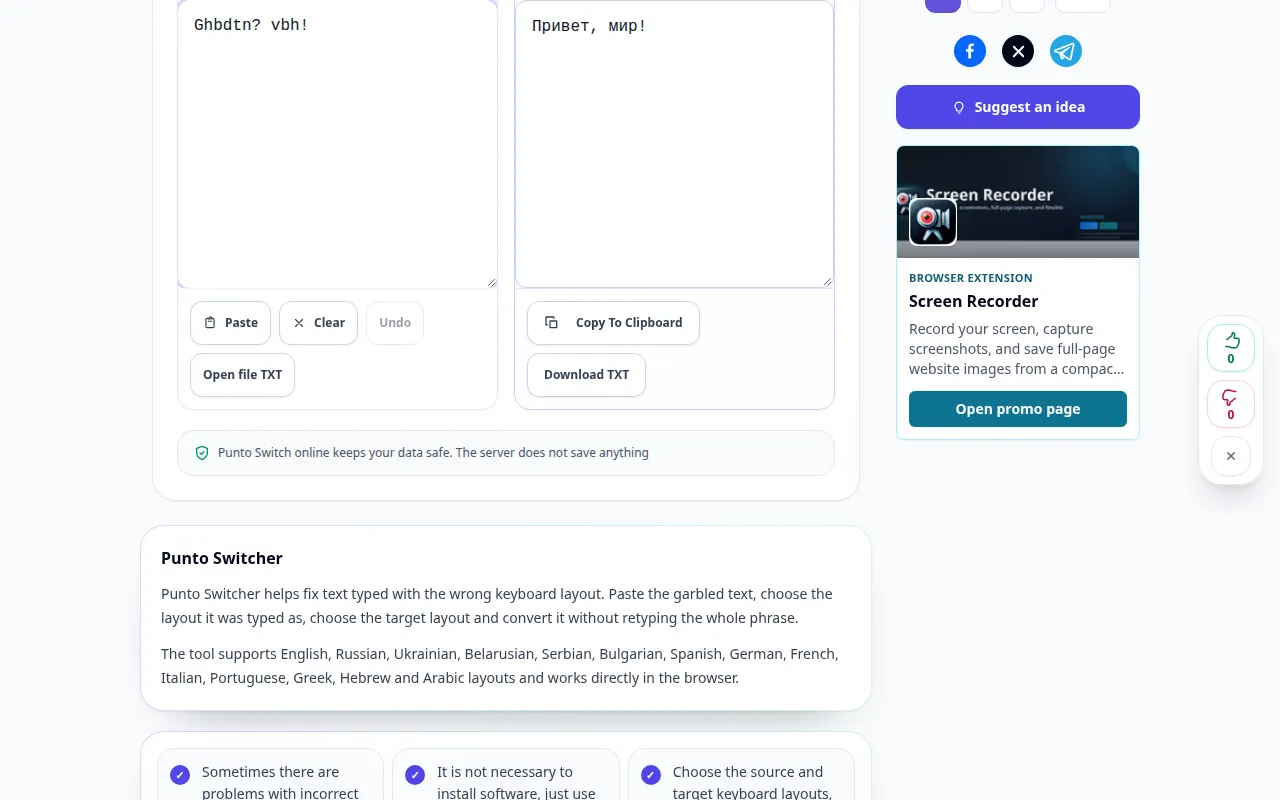
Desktop demonstration
The recording shows the English interface. Follow the translated steps above; the controls are in the same order. This recording shows a demonstration input and the resulting output in the tool.
Phone demonstration
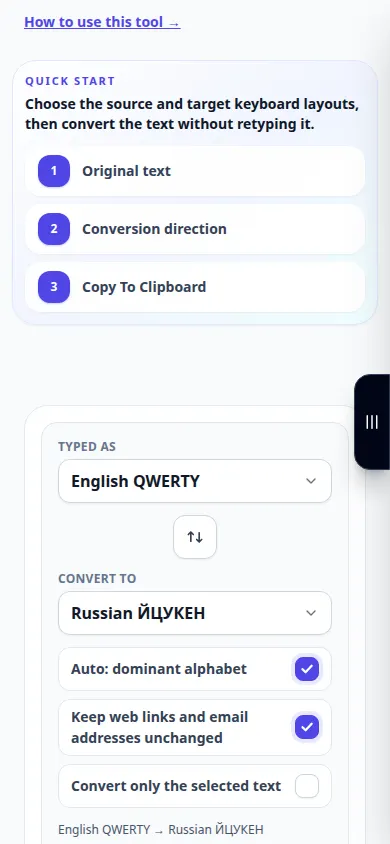
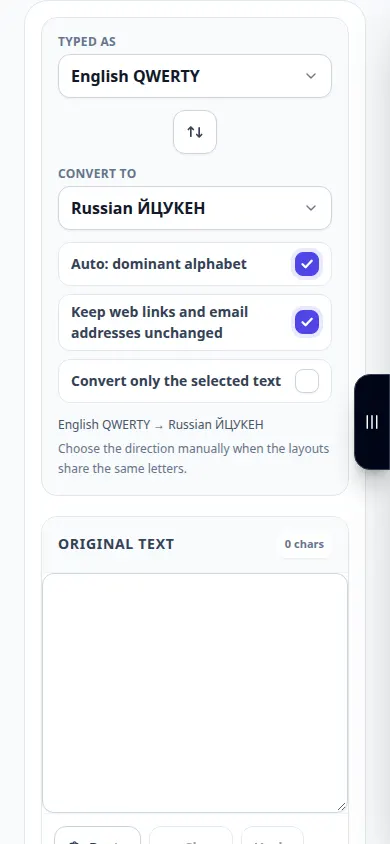
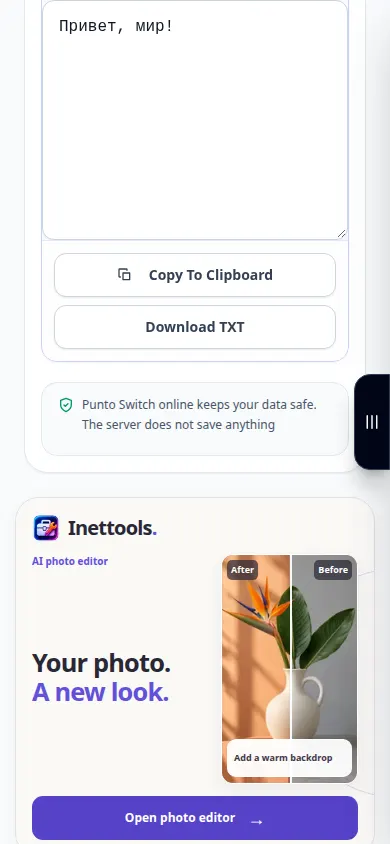
The recording shows the English interface. Follow the translated steps above; the controls are in the same order. This recording shows a demonstration input and the resulting output in the tool.
Questions and troubleshooting
Why is an English word changed incorrectly?
The converter cannot always know that a word was intentional. Exclude mixed-language fragments and review the output.
Does this translate the meaning?
No. It replaces characters according to keyboard positions; use a translation service for another language.
If you see a message that the service is overloaded, wait and try again later. A failed attempt does not mean that your source file has changed.