Guide updated:
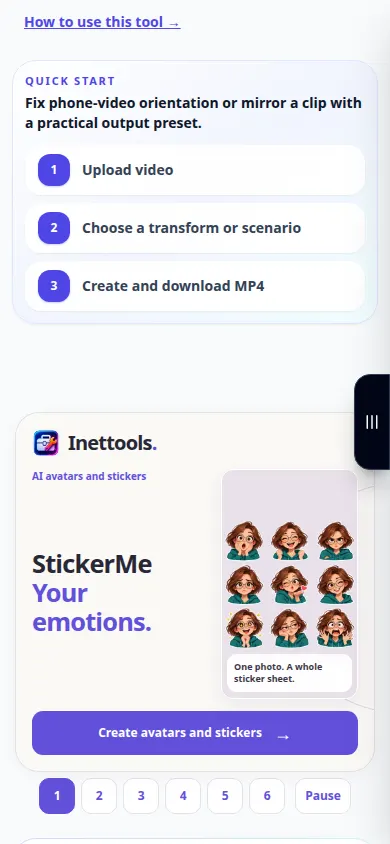
Choose an orientation and save a video that displays the right way up.
Practical instructions with desktop and phone screenshots, short demonstrations and answers to common questions.
Before you start
Keep the original clip. Check how it appears in the browser before choosing a rotation.
Try with a demonstration file — video.mp4
These small files were created for this guide and contain no personal data.
Step-by-step instructions
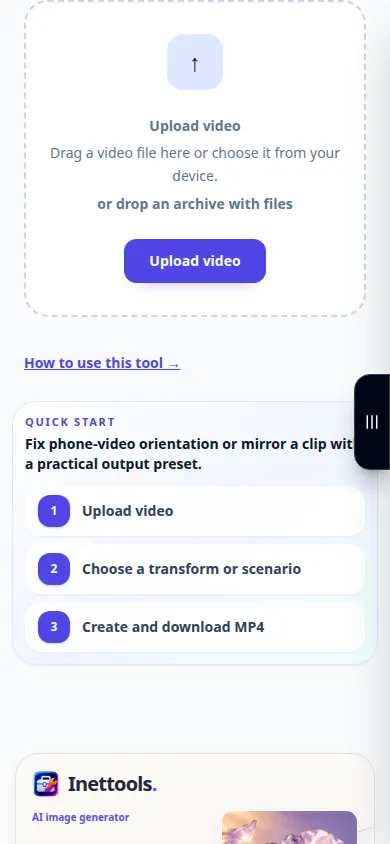
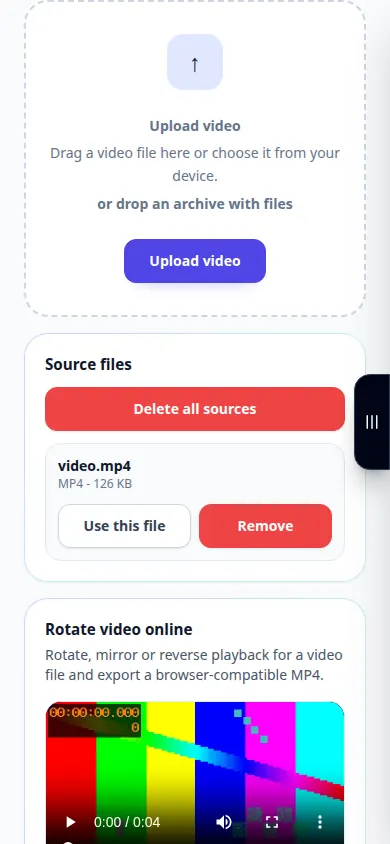
- Choose the video and wait for its preview and orientation controls.
- Play a short section to identify the required direction of rotation.
- Choose the available rotation or flip setting and check the preview.
- Review any displayed charge and start preparing the rotated copy.
- Open the result in the player you plan to use and save the correctly oriented file.
On a computer
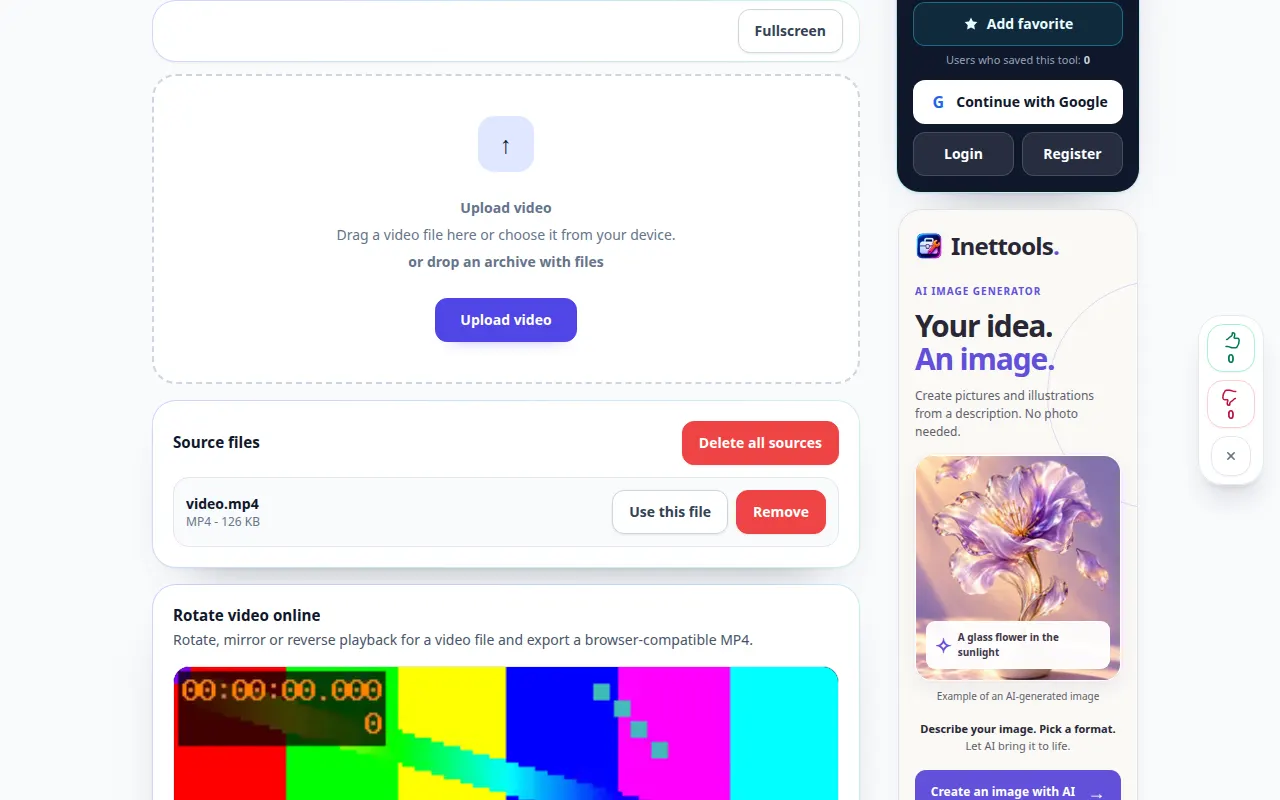
Use the full-width working panel to compare the source, settings and result. Keep the original file so you can try another setting without replacing it.
On a phone
Choose the source from Files or your device file manager. Scroll down to the settings and result; keep this tab open until the operation finishes.
In Safari on iPhone, open the sharing menu and choose Save to Files if the result opens in a new tab. In Android Chrome, check Downloads. Keep this tab open until processing finishes.
For a better result
Choose the rotation from what you see, not just from portrait or landscape dimensions; some players already honor orientation metadata.
Screenshots and video
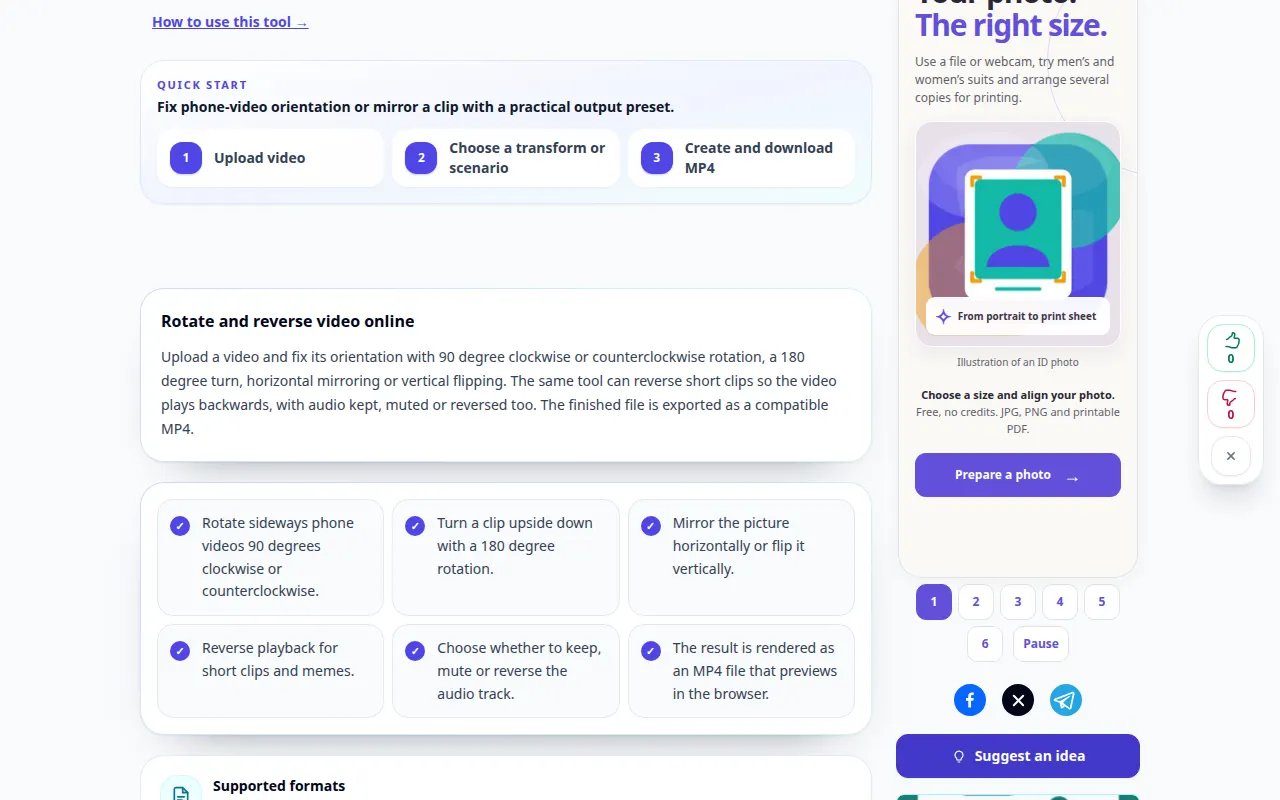
Desktop demonstration
The recording shows the English interface. Follow the translated steps above; the controls are in the same order. This recording shows the source and available settings before the main action. Follow the steps above to start processing and save the result.
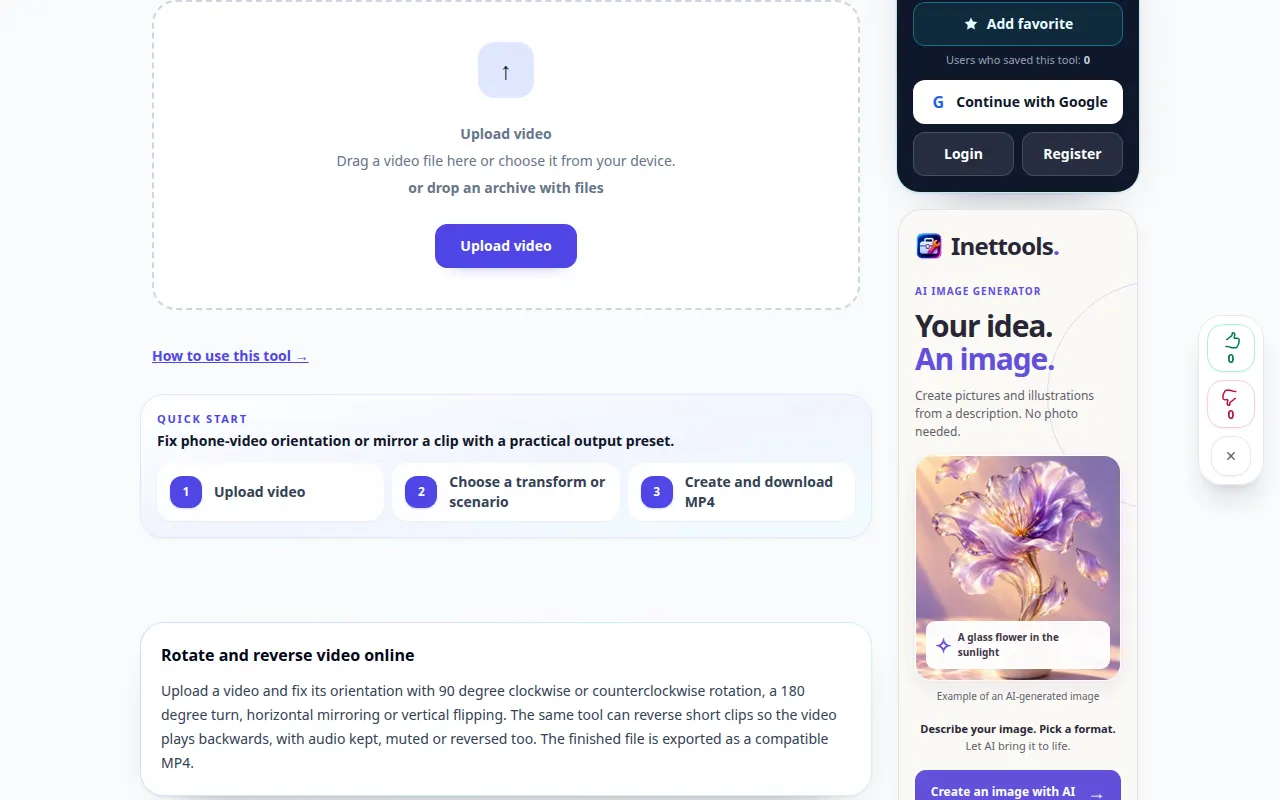
Phone demonstration
The recording shows the English interface. Follow the translated steps above; the controls are in the same order. This recording shows the source and available settings before the main action. Follow the steps above to start processing and save the result.
Questions and troubleshooting
Why does another player show a different orientation?
Players may interpret orientation metadata differently. Verify the processed copy in the target player.
Will rotating restore missing edges?
No. Rotation changes orientation; it cannot reconstruct image areas absent from the source.
If you see a message that the service is overloaded, wait and try again later. A failed attempt does not mean that your source file has changed.