Guide updated:
Listen to stereo channels and inspect whether the two sides differ.
Practical instructions with desktop and phone screenshots, short demonstrations and answers to common questions.
Before you start
Use headphones or correctly connected stereo speakers. System mono-audio settings can make both sides sound identical.
Try with a demonstration file — audio.mp3
These small files were created for this guide and contain no personal data.
Step-by-step instructions
- Choose an audio or video file for the channel test and wait until the recording is decoded.
- Check whether the source contains one or two channels. A mono recording cannot contain an independent right channel.
- Play the available left, right or combined channel modes.
- Review the shown channel information and compare sections where the sound should differ.
- Save an available analysis export if needed, or keep notes and check another source file.
On a computer
Compare the channel controls and analysis at a comfortable width. Keep the system volume moderate while switching test signals.
On a phone
Test with headphones. Check the phone accessibility setting for mono audio and audio balance, then return to the page.
In Safari on iPhone, open the sharing menu and choose Save to Files if the result opens in a new tab. In Android Chrome, check Downloads. Keep this tab open until processing finishes.
For a better result
A high similarity between channels is not automatically a fault. Some recordings are intentionally mono or have centered speech.
Screenshots and video
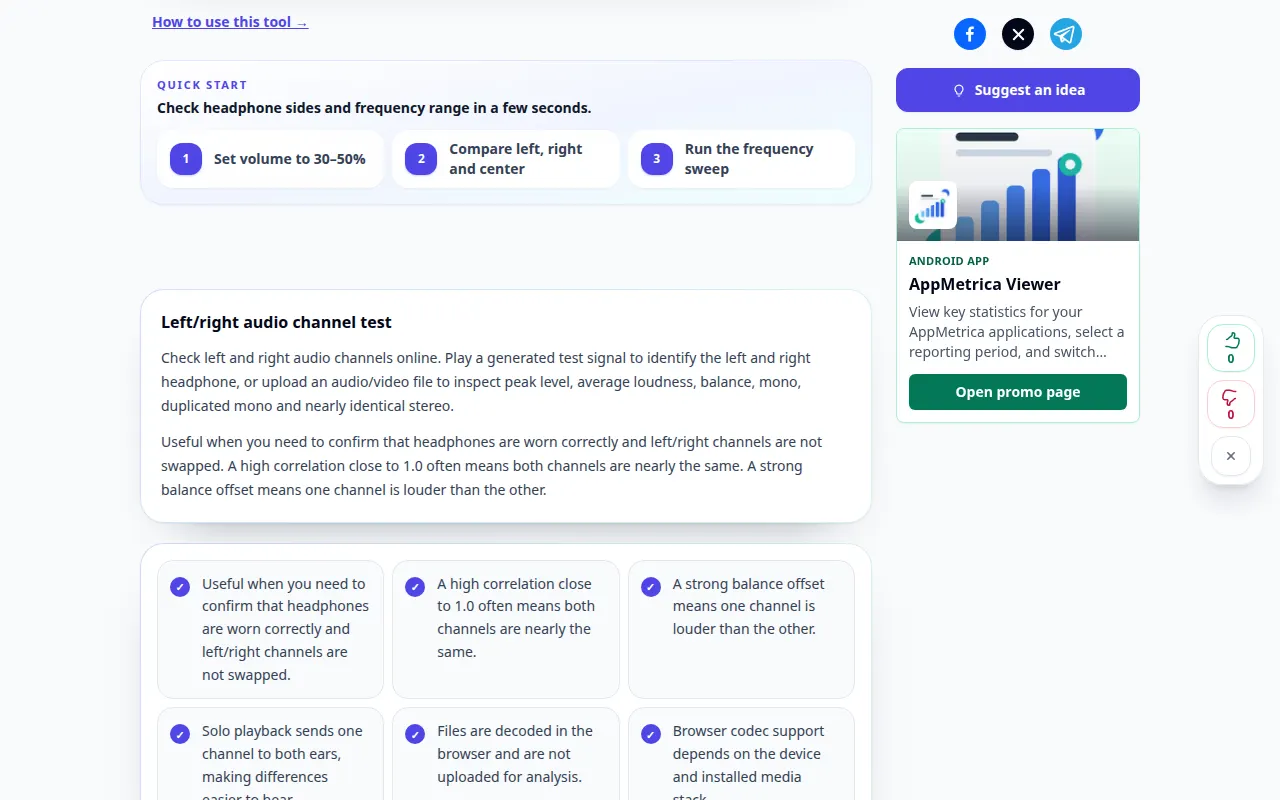
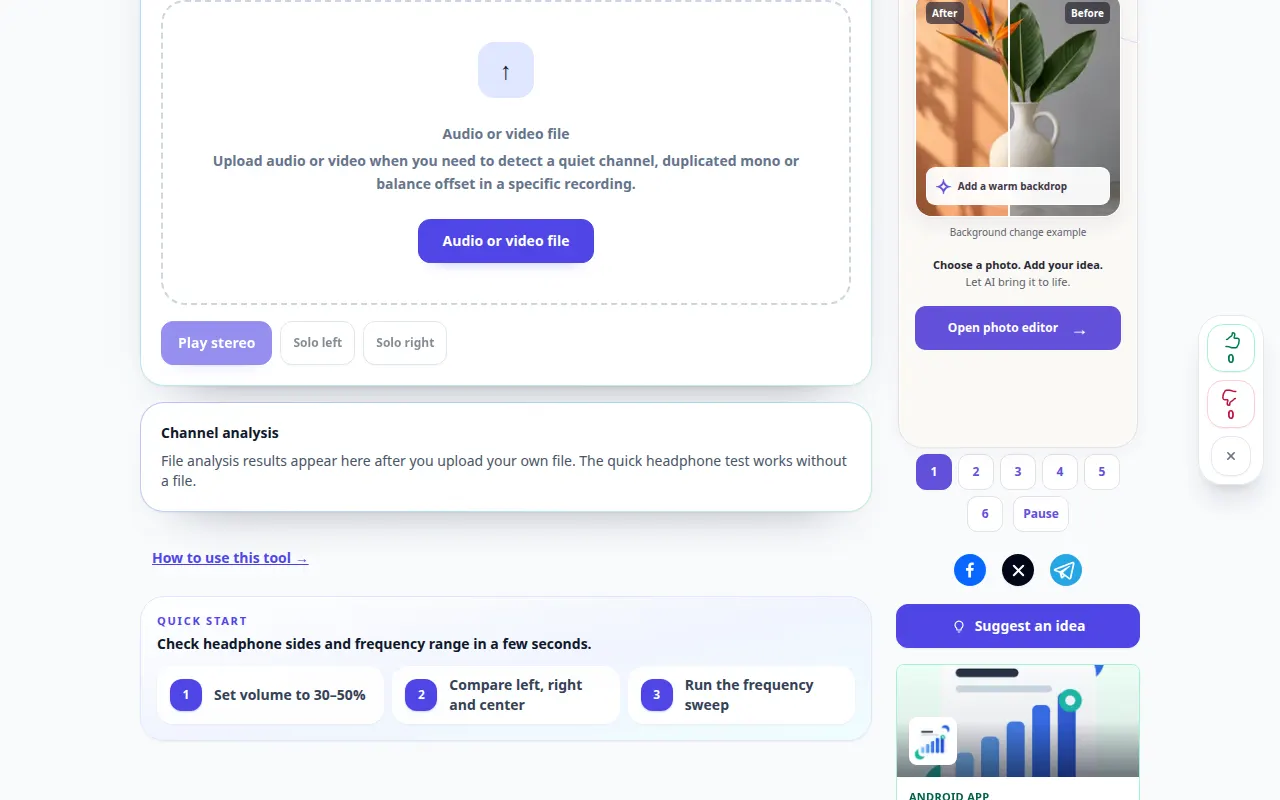
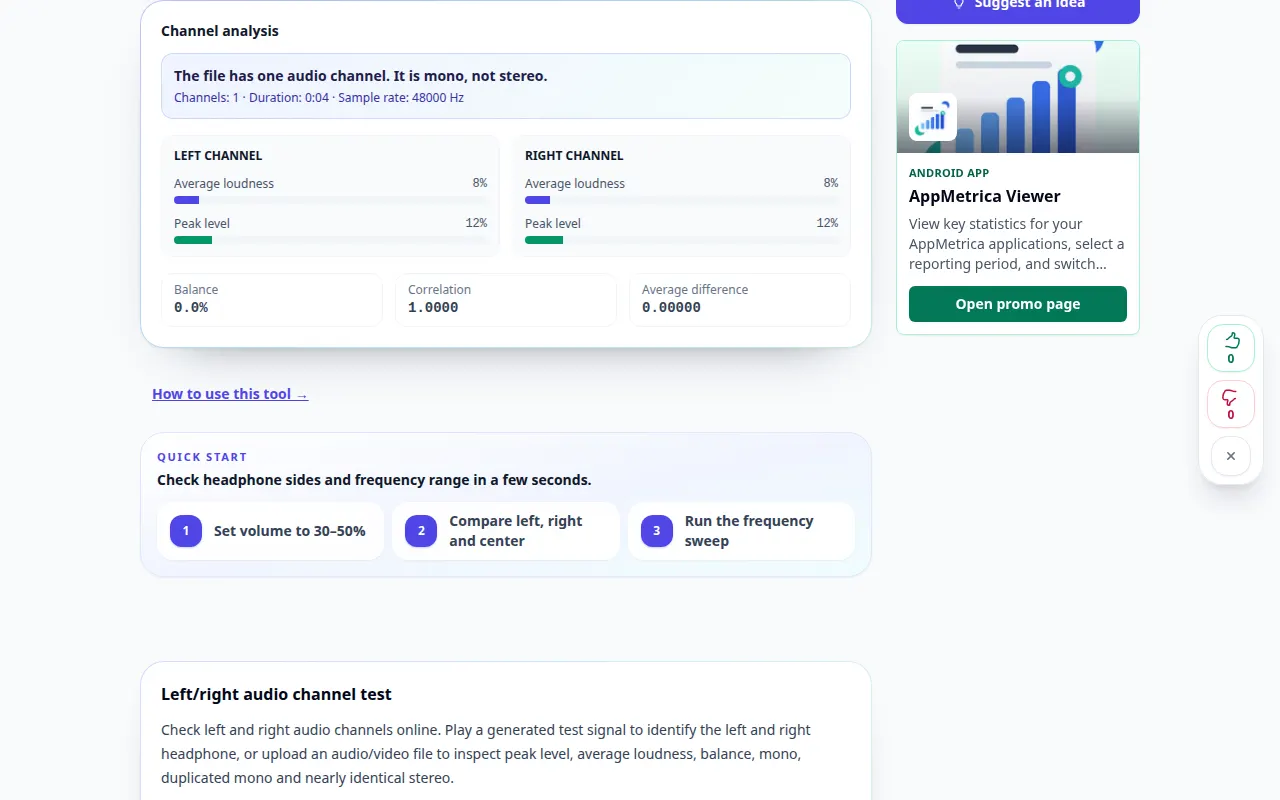
Desktop demonstration
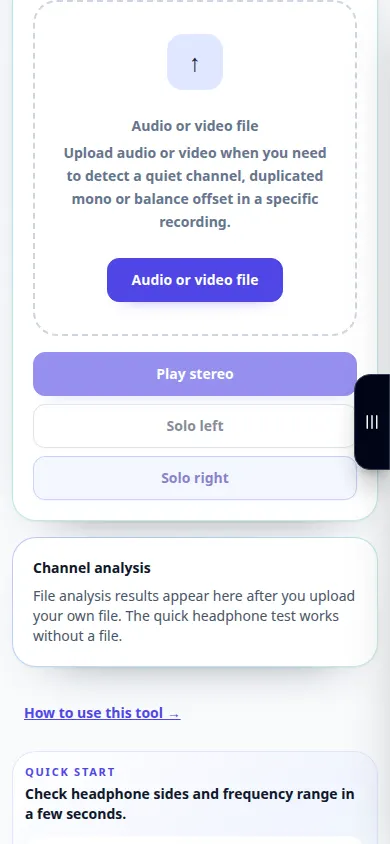
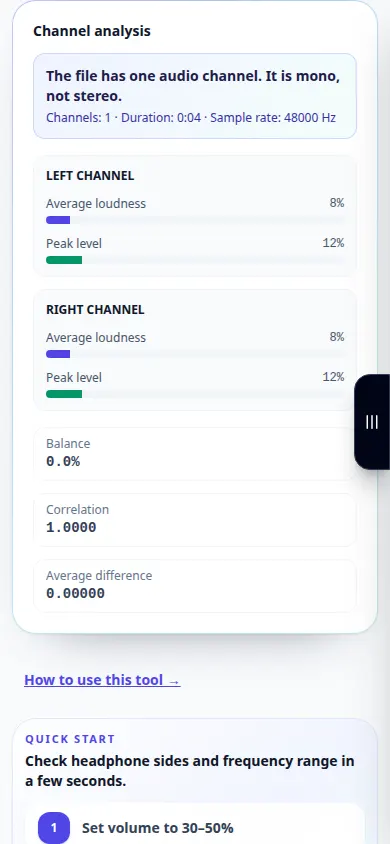
The recording shows the English interface. Follow the translated steps above; the controls are in the same order. This recording shows a demonstration input and the resulting output in the tool.
Phone demonstration
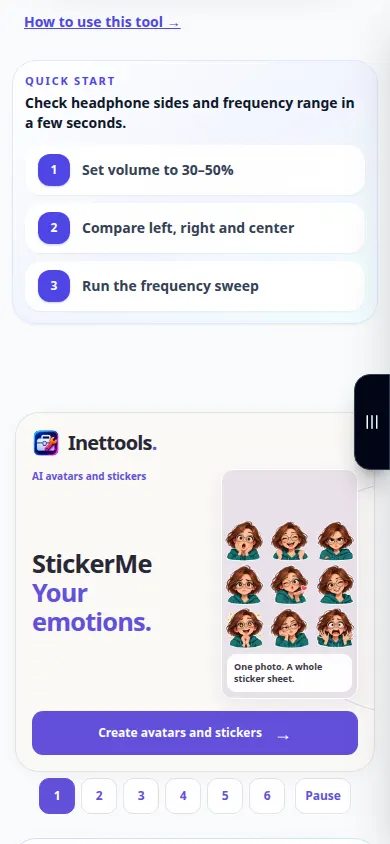
The recording shows the English interface. Follow the translated steps above; the controls are in the same order. This recording shows a demonstration input and the resulting output in the tool.
Questions and troubleshooting
Why do both channel tests sound centered?
Check your operating system mono-audio setting, headphones and audio connection before judging the file.
Why is one side quieter?
The recording may be panned or have unequal channel levels. Compare several sections and another known stereo recording.
If you see a message that the service is overloaded, wait and try again later. A failed attempt does not mean that your source file has changed.